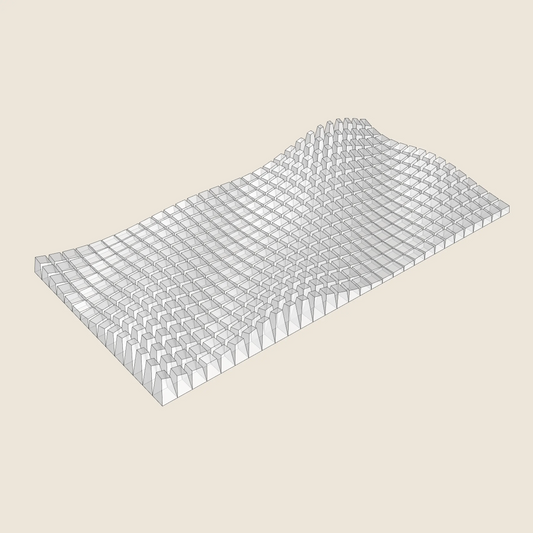
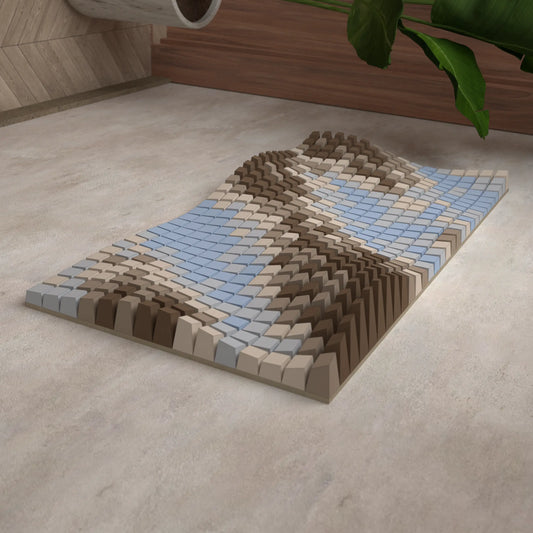
Tree Shadow
SKU:002_006
3D Model for 3D printing (.stl, .step, .dwg)
Regular price
$14.07 USD
Regular price
$28.13 USD
Sale price
$14.07 USD
Unit price
per
DEFAULT SIZE:
2600mm ✖ 2600 mm
Tileable by Mirroring
NUMBER OF BLOCKS:
4225
Couldn't load pickup availability
Description
Description
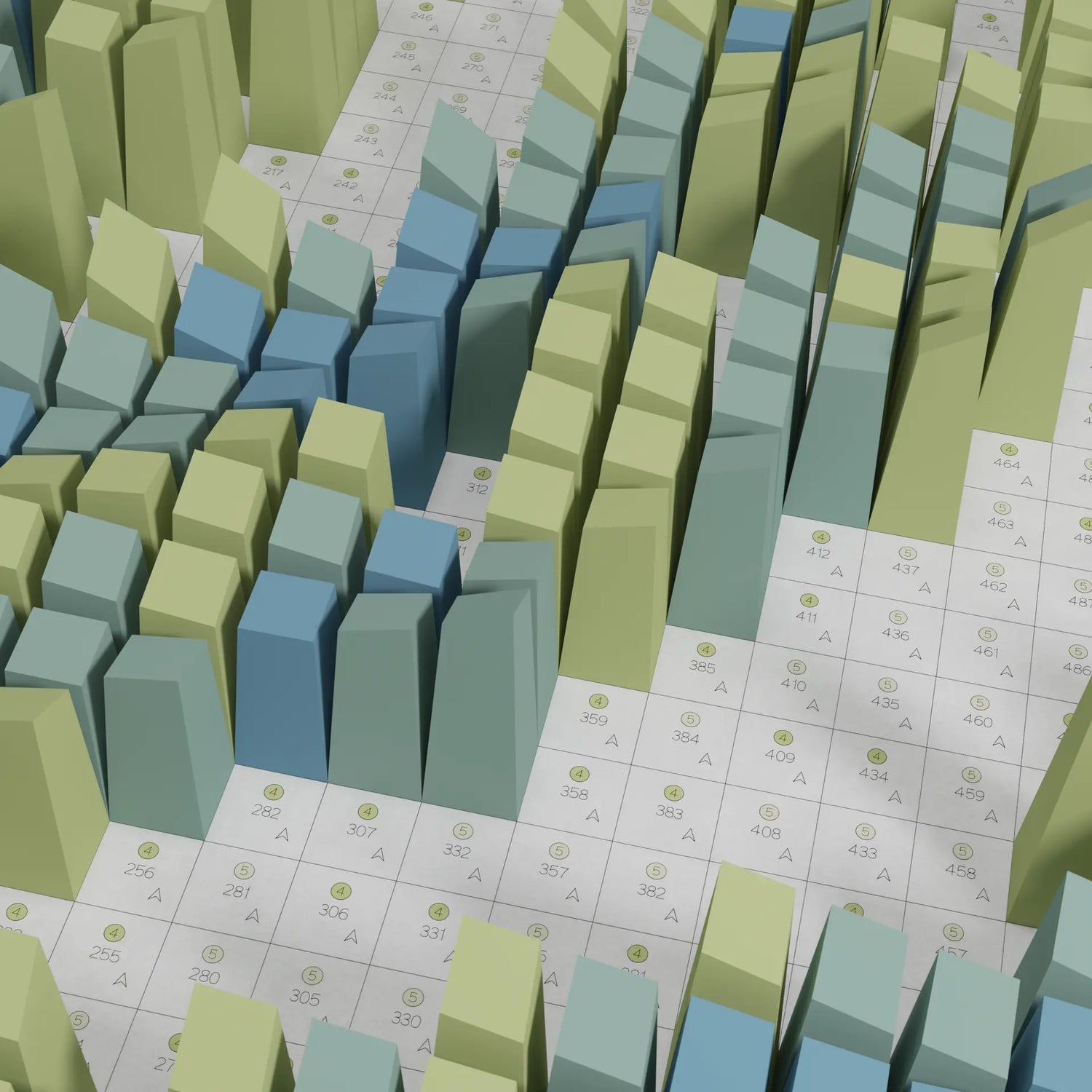
Tree Shadow is inspired by the dappled shadow of tree branches scattered across grass in a park — overlapping patterns of light and shade, captured as they fall on an uneven surface.
This natural scene is translated into a field of pixel-like blocks, creating an abstract, textured relief that mimics the organic randomness of branches and light.
Print the full design, or crop it down to a smaller section — the pattern is abstract enough that any portion looks beautiful on its own.
Details:
- 3D model export
- Croppable — works as a full piece or any smaller section
- Includes STL, STP and DWG files for 3D printing
Shipping
Shipping

See designs from this collection
-
3D Model
For 3D PrintingSTL • STEP • DWG
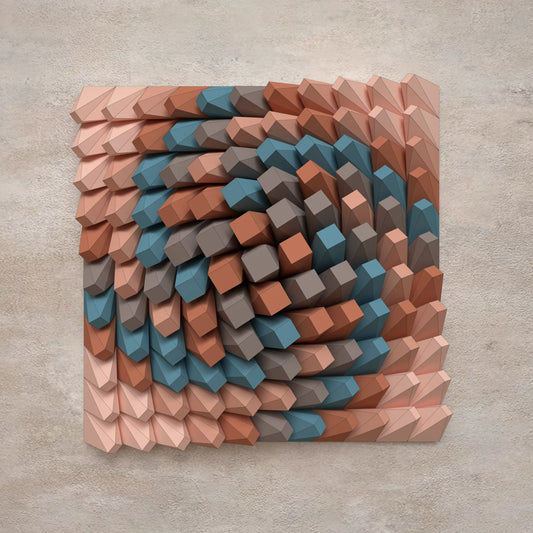
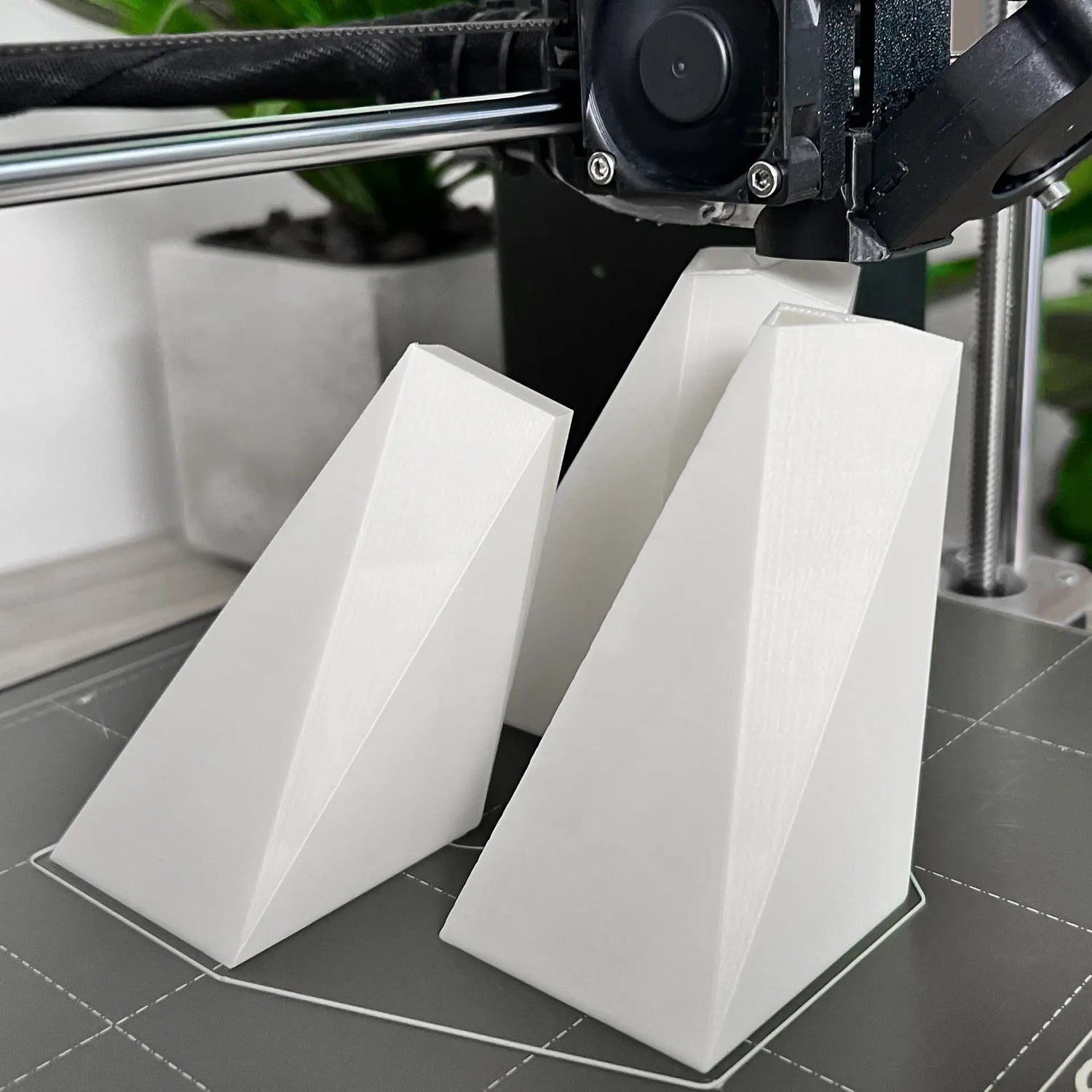
Twisted Box 01
Regular price $9.37 USDRegular priceUnit price per -
3D Model
For 3D PrintingSTL • STEP • DWG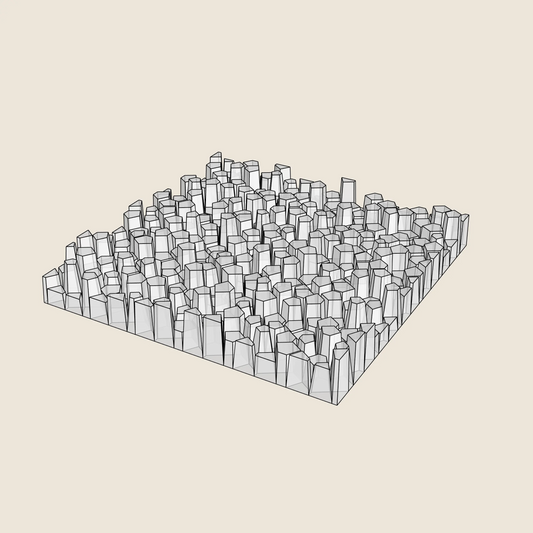
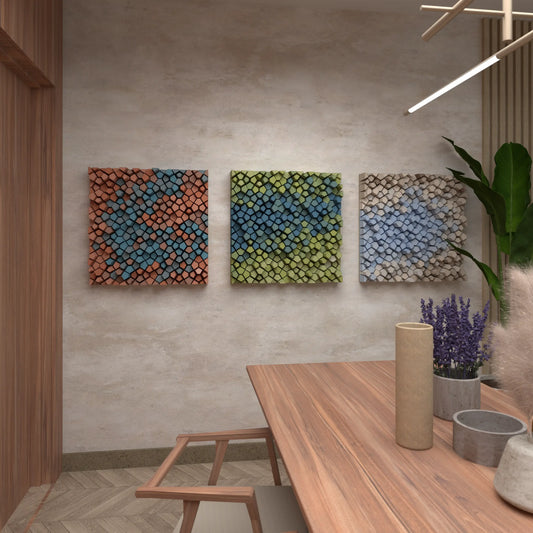
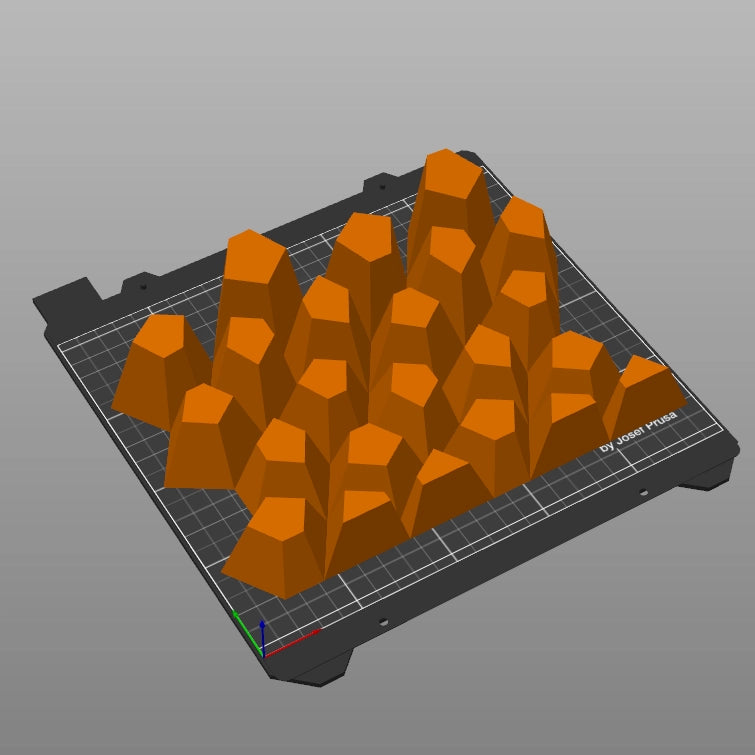
Random Pentagons (3x Colour Versions)
Regular price $9.37 USDRegular priceUnit price per -
3D Model
For 3D PrintingSTL • STEP • DWG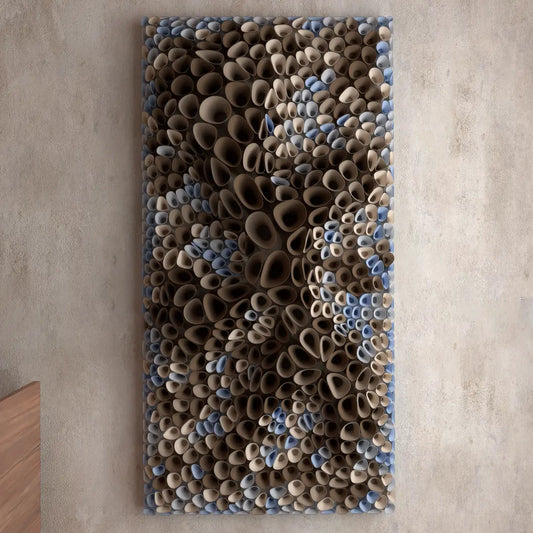
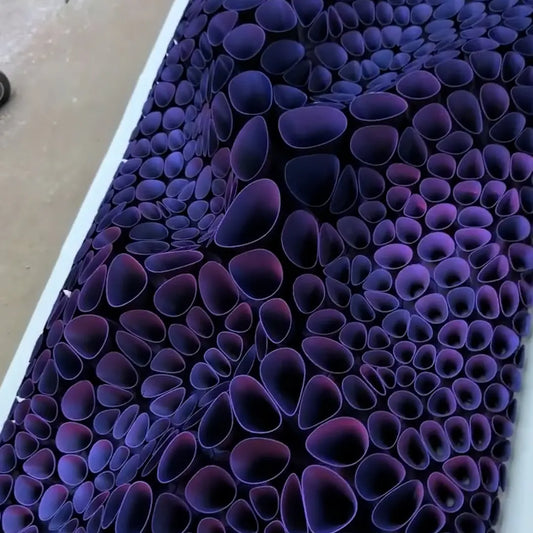
Coral Sponge 01
Regular price $18.76 USDRegular priceUnit price per -
3D Model
For 3D PrintingSTL • STEP • DWG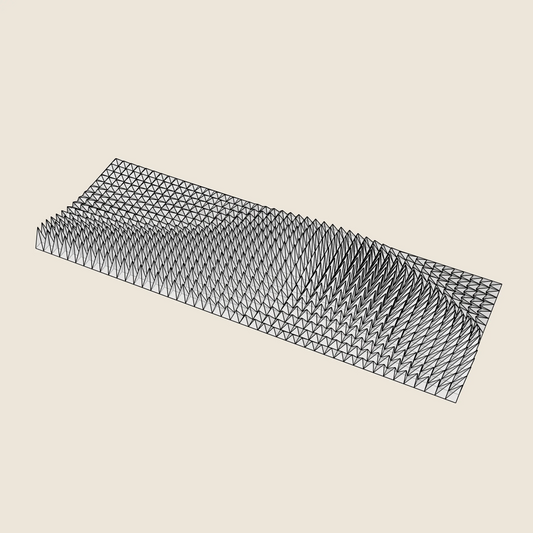

Triangle Wave
Regular price $16.89 USDRegular priceUnit price per -
3D Model
For 3D PrintingSTL • STEP • DWG
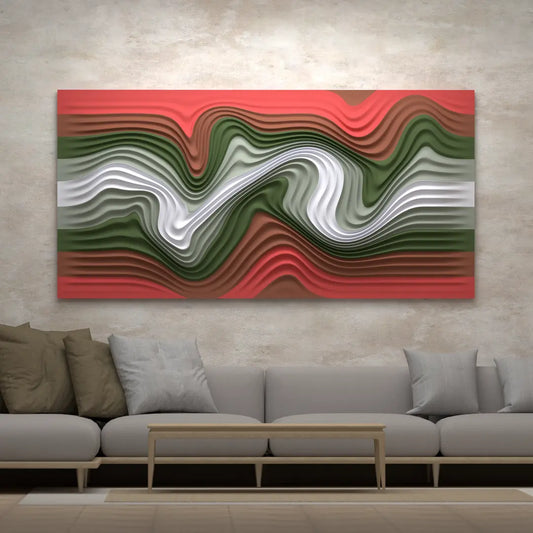
Floating Fumes
Regular price $14.07 USDRegular priceUnit price per -
3D Model
For 3D PrintingSTL • STEP • DWG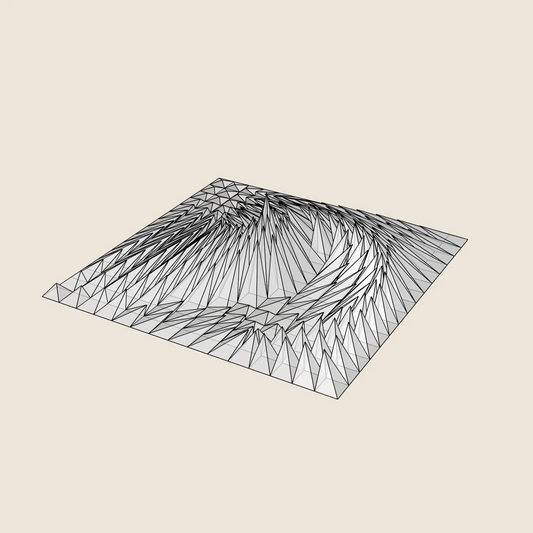

Whirl Peak
Regular price $9.37 USDRegular priceUnit price per -
3D Model
For 3D PrintingSTL • STEP • DWG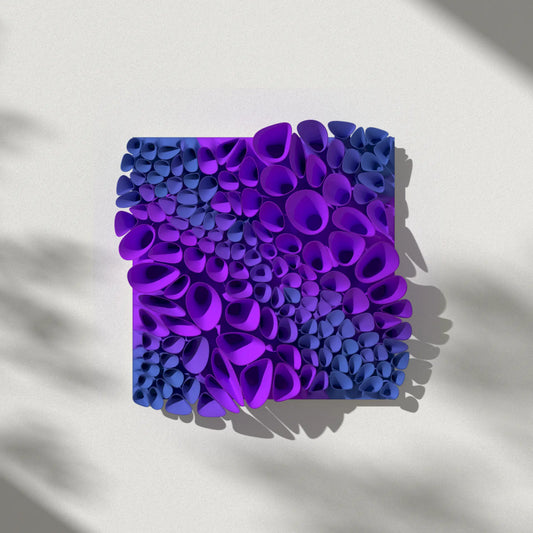

Coral Sponge 03 (tileable)
Regular price $14.07 USDRegular priceUnit price per -
3D Model
For 3D PrintingSTL • STEP • DWG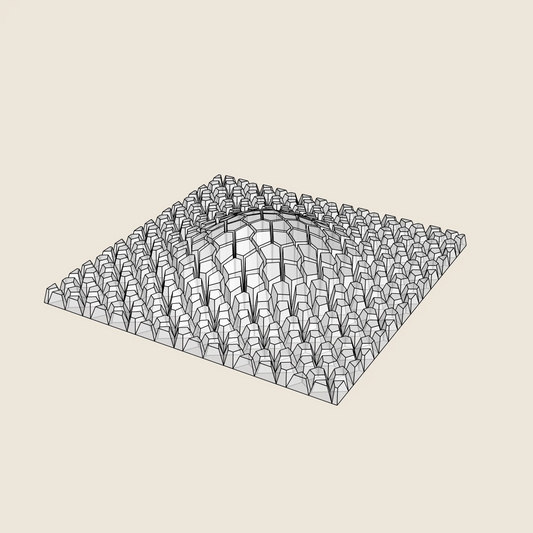

Cracked Bulge
Regular price $9.37 USDRegular priceUnit price per -
3D Model
For 3D PrintingSTL • STEP • DWG
Crater Ring
Regular price $9.37 USDRegular priceUnit price per