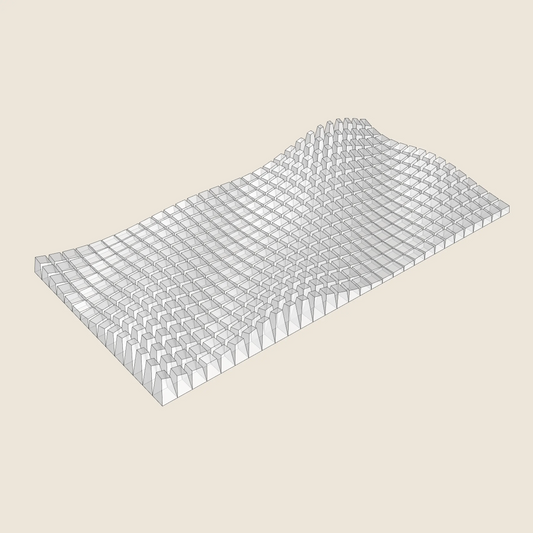
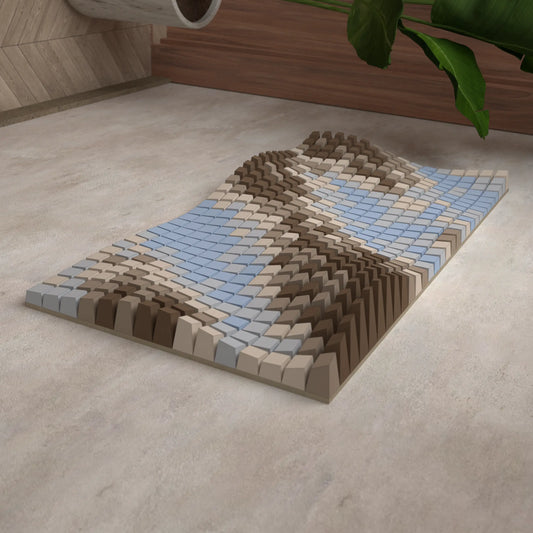
Diagonal Wave
SKU:002_005
3D Model for 3D printing (.stl, .step, .dwg)
Regular price
$11.26 USD
Regular price
$14.07 USD
Sale price
$11.26 USD
Unit price
per
DEFAULT SIZE:
1000mm ✖ 1000 mm
Tileable by Mirroring
NUMBER OF BLOCKS:
625
Couldn't load pickup availability
Description
Description
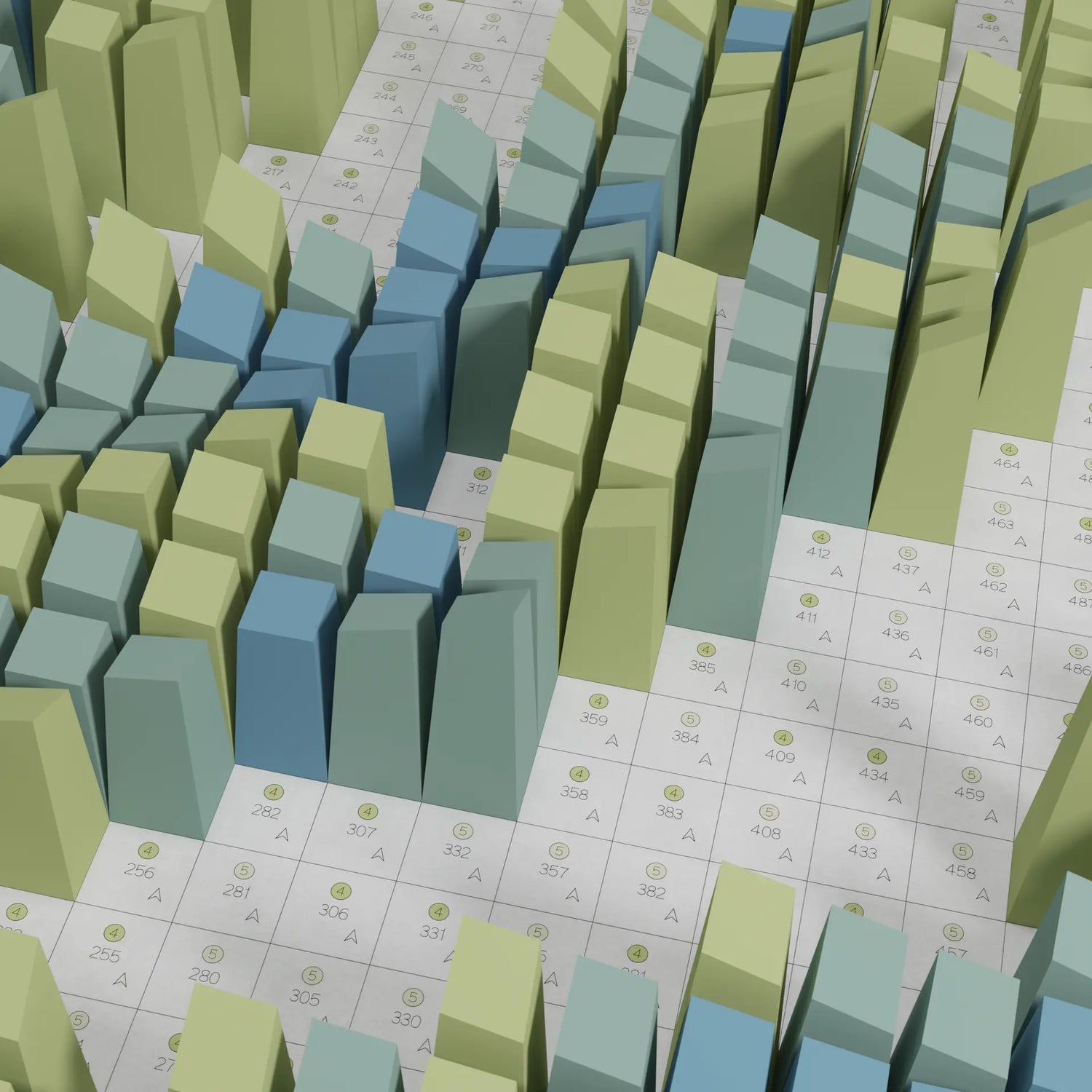
Diagonal Wave is a pixel-art style grid pattern where colour and depth ripple diagonally across the surface, creating the illusion of a flowing wave moving through a checkerboard of small square blocks.
Each block sits at a different depth, so the piece shifts and animates as you walk past it — colours appear to flicker and blend depending on your viewing angle.
Details:
- 3D model export
- Includes STL, STP and DWG files for 3D printing
Shipping
Shipping
Note:This 3D preview uses a simplified model to ensure a smooth experience.
Your Custom Palette
›
COLOUR PRESETS
Your Custom Palette
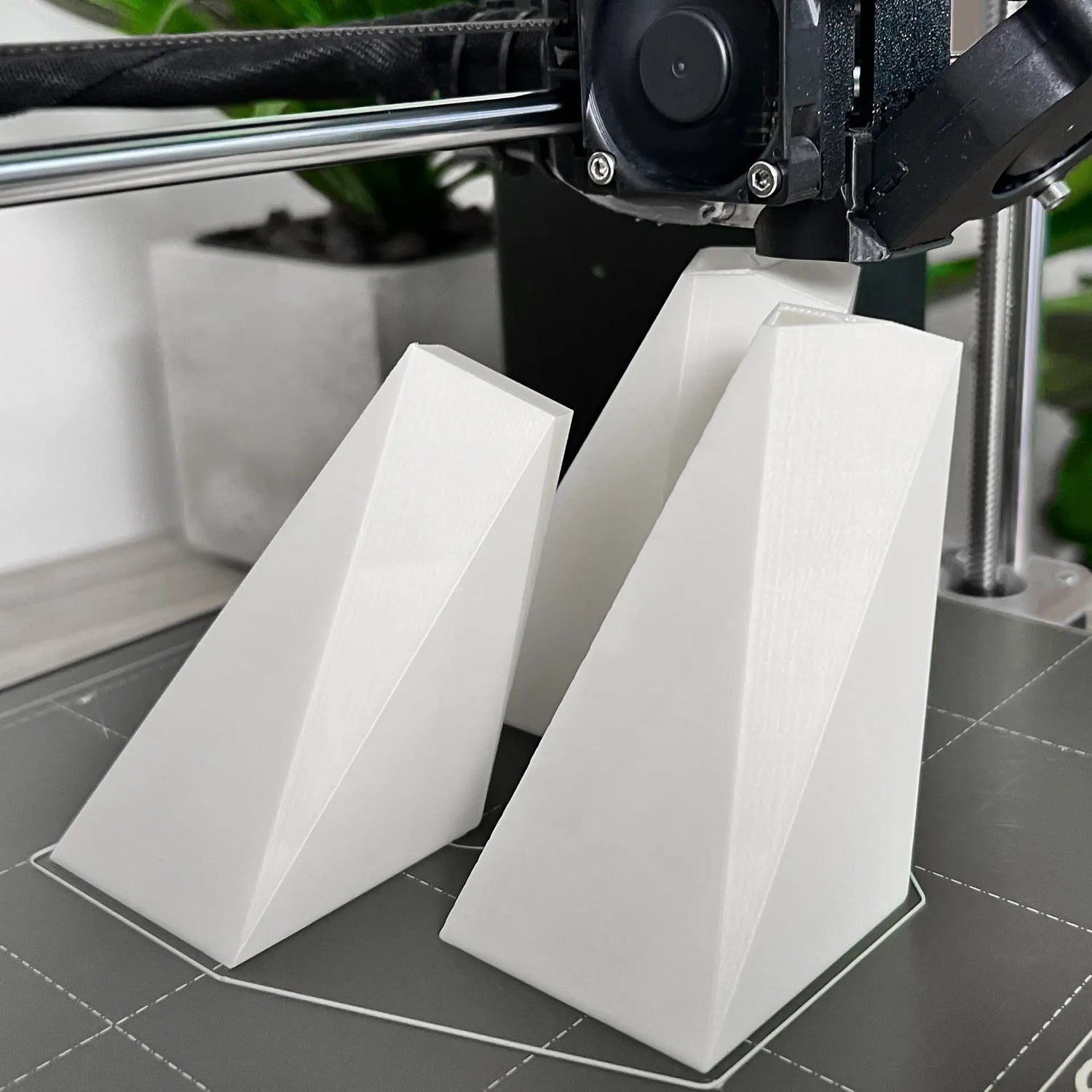

Makers' Gallery
See what was created by people just like you.
made by: Jennifer Schikora
made by: Jennifer Schikora
See designs from this collection
-
3D Model
For 3D PrintingSTL • STEP • DWG
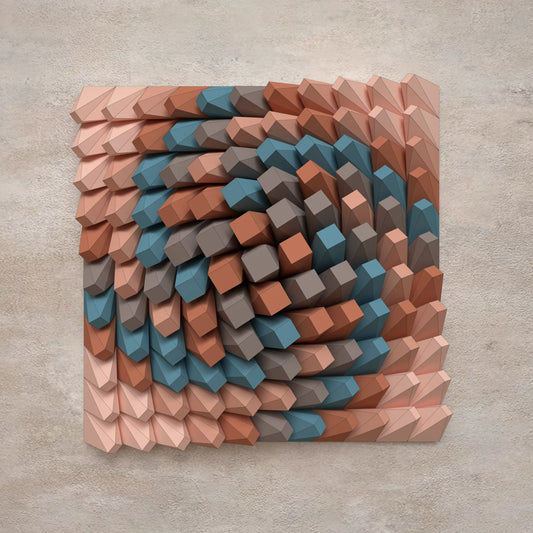
Twisted Box 01
Regular price $9.37 USDRegular priceUnit price per -
3D Model
For 3D PrintingSTL • STEP • DWG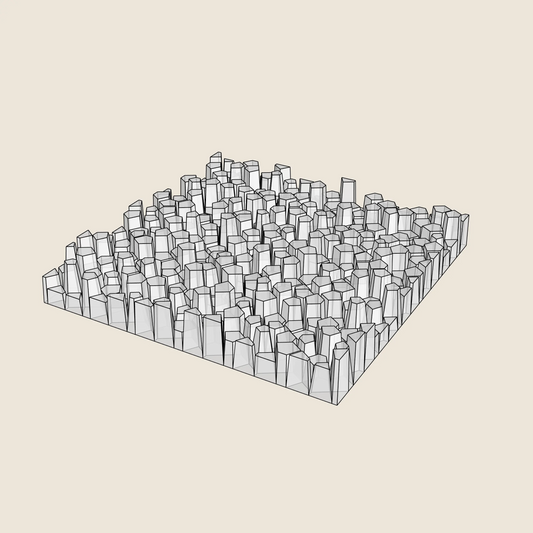
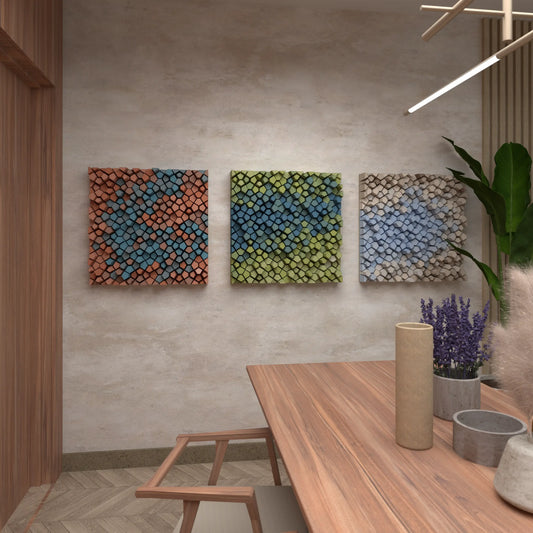
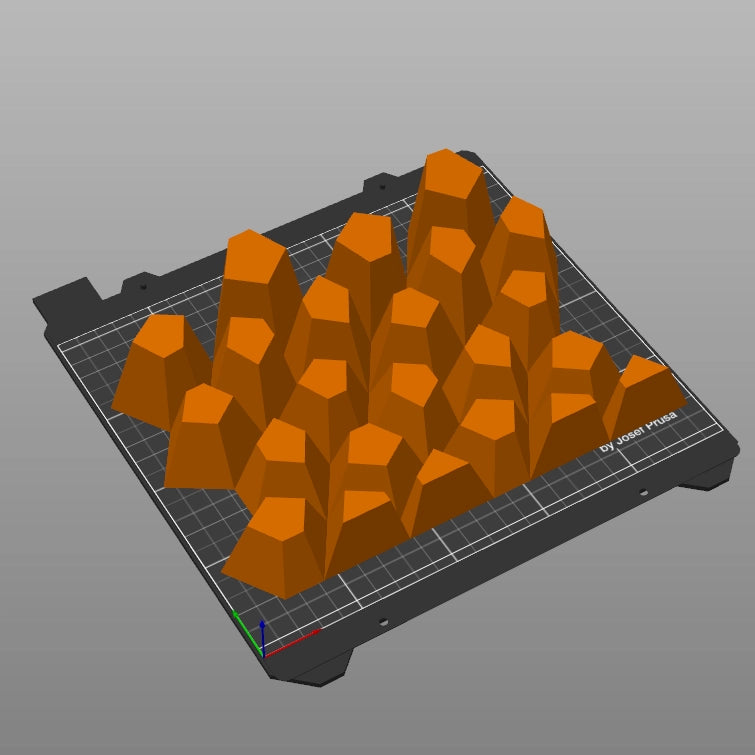
Random Pentagons (3x Colour Versions)
Regular price $9.37 USDRegular priceUnit price per -
3D Model
For 3D PrintingSTL • STEP • DWG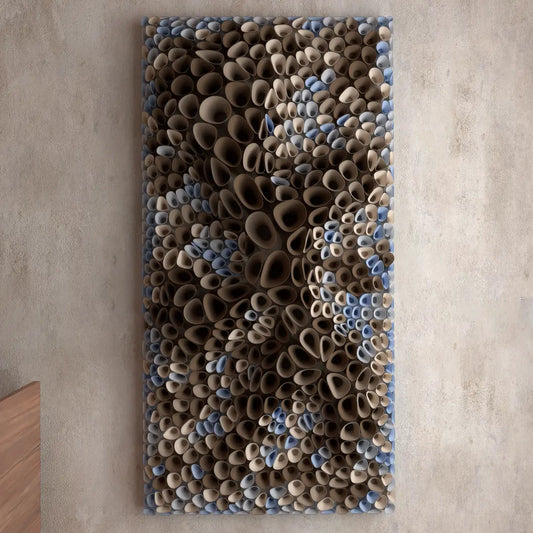
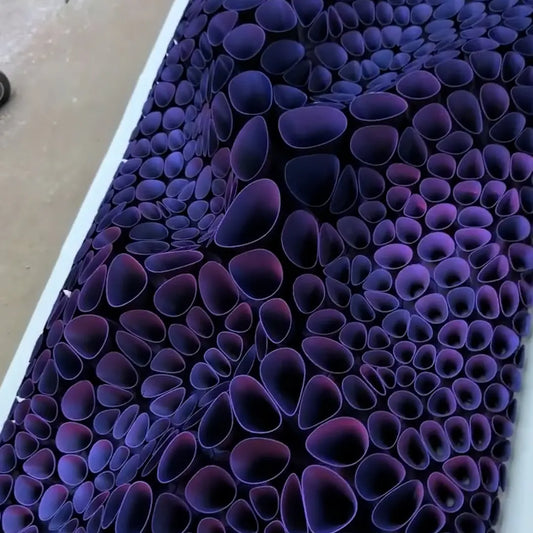
Coral Sponge 01
Regular price $18.76 USDRegular priceUnit price per -
3D Model
For 3D PrintingSTL • STEP • DWG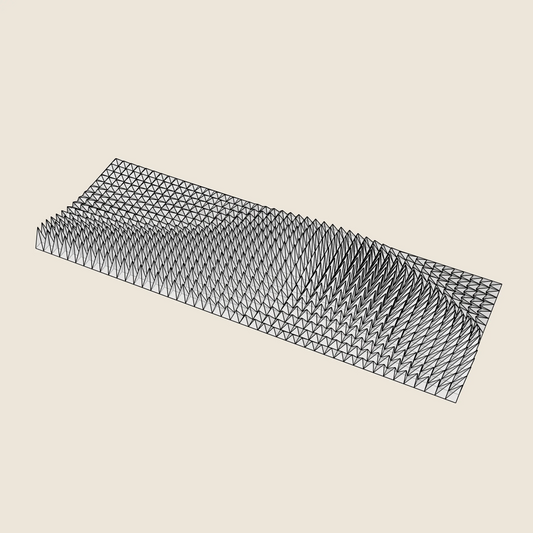

Triangle Wave
Regular price $16.88 USDRegular priceUnit price per -
3D Model
For 3D PrintingSTL • STEP • DWG
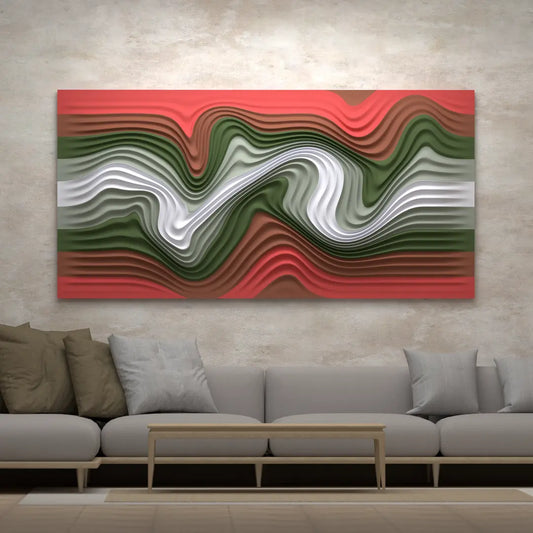
Floating Fumes
Regular price $14.07 USDRegular priceUnit price per -
3D Model
For 3D PrintingSTL • STEP • DWG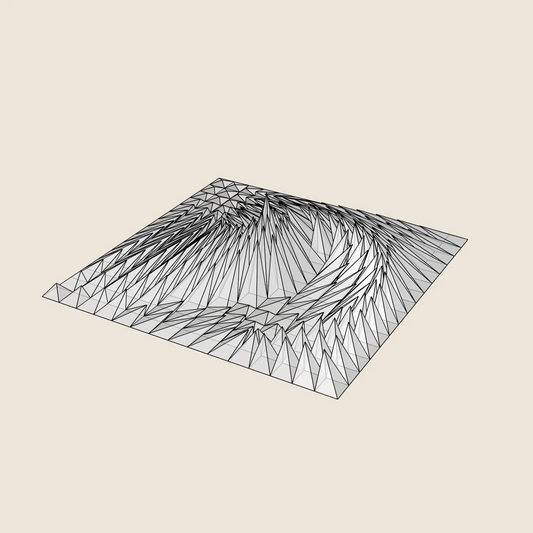

Whirl Peak
Regular price $9.37 USDRegular priceUnit price per -
3D Model
For 3D PrintingSTL • STEP • DWG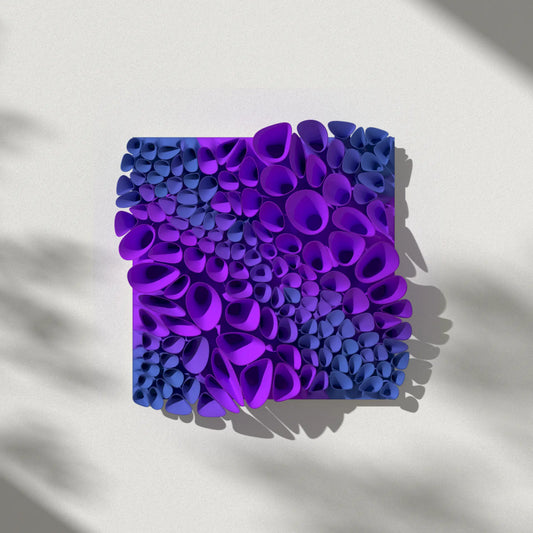

Coral Sponge 03 (tileable)
Regular price $14.07 USDRegular priceUnit price per -
3D Model
For 3D PrintingSTL • STEP • DWG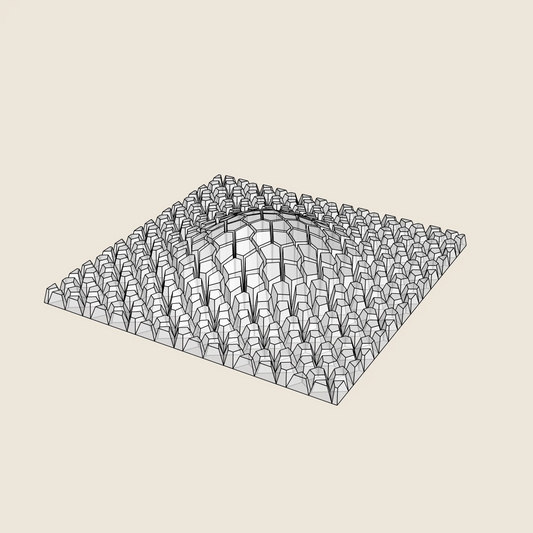
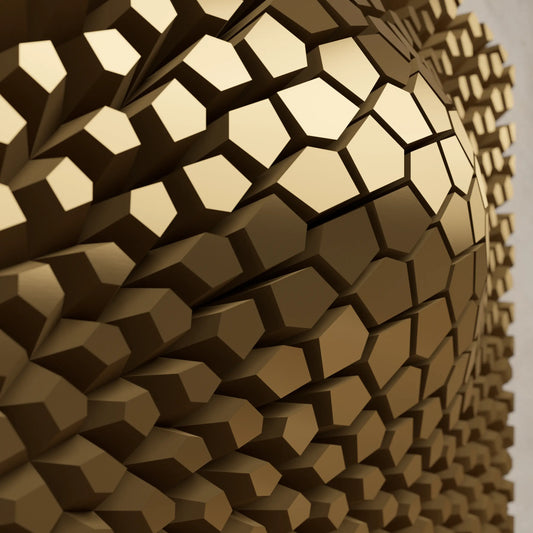
Cracked Bulge
Regular price $9.37 USDRegular priceUnit price per -
3D Model
For 3D PrintingSTL • STEP • DWG
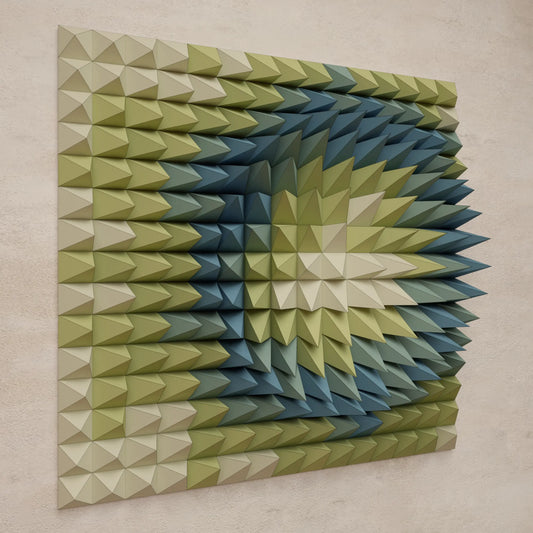
Crater Ring
Regular price $9.37 USDRegular priceUnit price per